

Top Free IPTV Apps for Smart TVs: Stream Your Favorite Shows Without Breaking the Bank

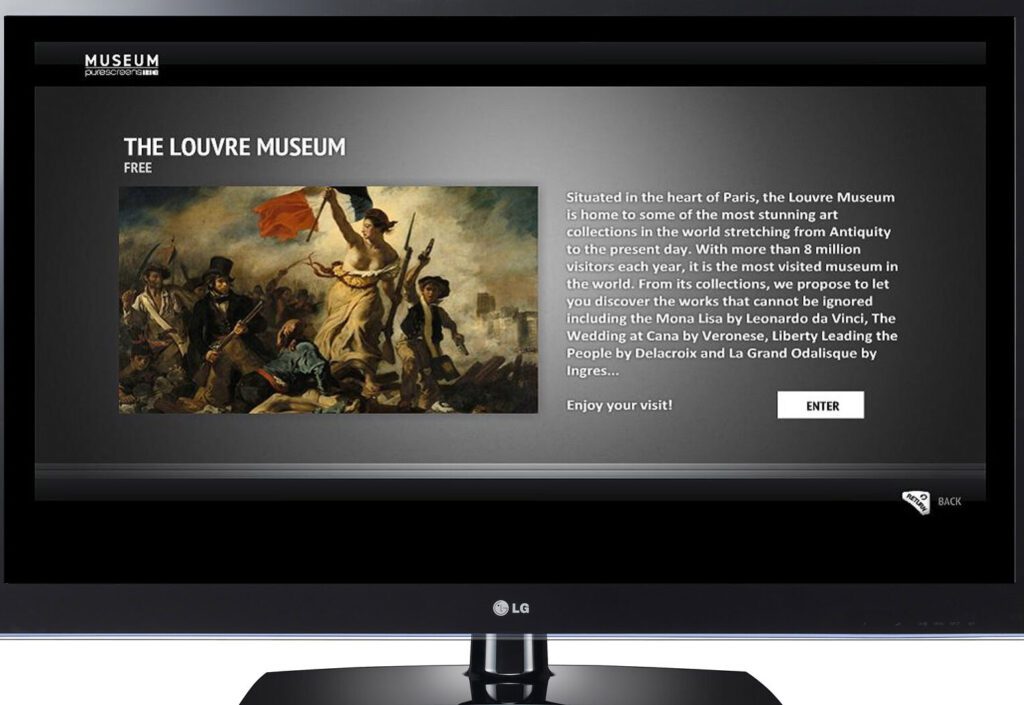
Discover the Best Free IPTV Apps for Your Smart TV
When it comes to streaming live television without a hefty subscription fee, finding the best free IPTV apps for your smart TV can be a game-changer. These apps provide access to a variety of channels across different genres, including sports, news, movies, and more.
One popular choice is Pluto TV, which offers an array of live channels as well as on-demand content. Its user-friendly interface and diverse selection make it a top pick for those looking to cut the cord.
Another great option is Plex. While primarily known for its media server capabilities, Plex also has a live TV feature that includes free IPTV channels. With Plex, you can also organize your own media collection and stream it across all your devices.
For those who prioritize international content, TVPlayer is an excellent app that provides access to over 80 channels, featuring both live TV and catch-up options. It's a fantastic way to keep up with global events and entertainment.
The Kodi media player, with its vast array of add-ons, allows users to customize their viewing experience. By installing specific IPTV add-ons, viewers can tap into a wealth of free content. However, it's important to use Kodi responsibly and ensure you're accessing content legally.
Lastly, SSIPTV is a straightforward app that lets you upload your own playlists to stream directly on your smart TV. This flexibility makes SSIPTV a preferred choice for tech-savvy users who have curated lists of IPTV streams.
While these apps offer free content, it's crucial to remember that the availability and legality of IPTV streams can vary by region. Always ensure that you are complying with local laws and regulations when using IPTV services.
What are the top 3 free IPTV apps for smart TVs?
The top 3 free IPTV apps for smart TVs are Pluto TV, offering a variety of live channels and on-demand content; Kodi, a highly customizable media player with IPTV support through third-party add-ons; and Plex, which provides live TV and DVR capabilities alongside its personal media organization features.
How can I install a free IPTV app on my smart TV?
To install a free IPTV app on your smart TV, follow these steps:
1. Go to your TV's app store: Access the app store from your smart TV's home screen.
2. Search for the IPTV app: Use the search function to find a free IPTV app, such as "Smart IPTV" or "IPTV Smarters."
3. Install the app: Select the app and click on the 'Install' or 'Download' button.
4. Open the app: Once installed, open the app and configure it with your IPTV service details (you'll need an M3U playlist URL from your IPTV provider).
5. Enjoy streaming: Browse through the channels provided by your IPTV service and start watching.
Note: Ensure that the IPTV service you use is legal and that you have the rights to access the content provided.
Are there any risks associated with using free IPTV apps on smart TVs?
Yes, there are several risks associated with using free IPTV apps on smart TVs. These include exposure to malware and viruses, potential infringement of copyright laws, and the possibility of compromised privacy due to unsecured streams. Additionally, free IPTV services may offer unreliable content delivery and poor video quality. It's important to use legitimate and secure services to protect your device and personal information.

Unlocking Entertainment: A Comprehensive Guide to Smart One IPTV Services

Seamless Transactions on the Go: How to Make Payments with Your Mi Band 5

Step-by-Step Guide to Activate Your Smart One IPTV Service

How to Install Google Play Store on Your Samsung Smart TV: A Step-by-Step App Installation Guide

Fixing the Rainbow: A Step-by-Step Guide to Solving Samsung TV Color Problems
Fixing the Hue: A Step-by-Step Guide to Troubleshooting Your TV Screen's Yellow Tint Issue
Go up
Deja una respuesta