

Unlocking the Convenience: How to Redeem and Pay with Gift Cards on Amazon

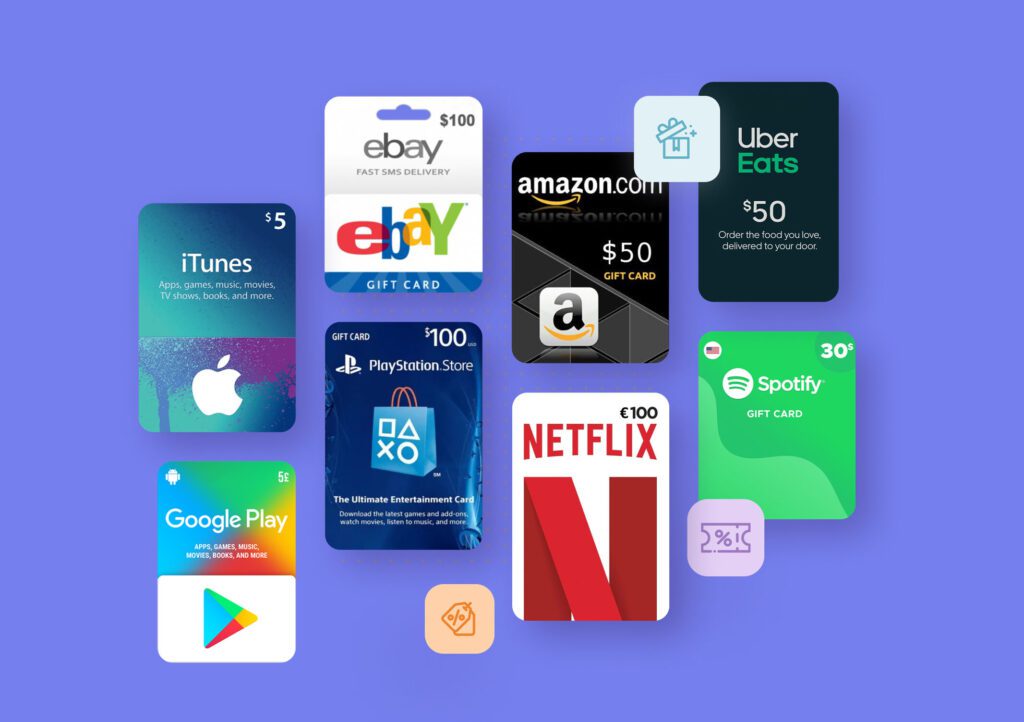
How to Redeem and Use Your Amazon Gift Card for Purchases
If you've received an Amazon gift card, you might be wondering how to use it to make purchases on the Amazon website. Redeeming and using your gift card is a straightforward process, and here's how you can do it:
1. First, go to the Amazon website and log in to your account. If you don't have an account, you'll need to create one.
2. Once logged in, navigate to the 'Accounts & Lists' section at the top of the page and click on 'Your Account'.
3. In your account, find the 'Gift Cards' section and select 'Redeem a Gift Card'.
4. Here, you will see a field to enter your gift card number. Scratch off the coating on the back of the card to reveal the claim code. Enter this code into the field and click 'Apply to Your Balance'.
5. Your Amazon gift card amount will now be added to your Amazon account balance. You can check your balance at any time by returning to the 'Gift Cards' section of your account.
6. To use your gift card balance for purchases, simply shop as you normally would. When you proceed to checkout, your Amazon balance will be listed as a payment option.
7. Ensure that the box next to 'Use your Gift Card balance' is checked. If you have more than enough balance to cover the purchase, you won't need to enter any additional payment information. If your order exceeds the gift card amount, you will need to provide another payment method for the remaining balance.
8. After confirming your shipping address and the payment details, you can place your order. The amount will be deducted from your Amazon gift card balance, and you'll be able to enjoy your purchase without having used a credit or debit card.
Remember, Amazon gift cards can only be redeemed on the same country's Amazon website they were bought from. So, if you have a gift card from Amazon.com, it cannot be used on Amazon.co.uk, for example.
How do I redeem an Amazon gift card on the website or mobile app?
To redeem an Amazon gift card on the website or mobile app, follow these steps:
1. Go to the Amazon website or open the Amazon app.
2. Sign in to your account.
3. Navigate to the Accounts & Lists section and select Your Account.
4. Click on the Gift Cards option.
5. Select Redeem a Gift Card.
6. Enter the gift card code and click Apply to Your Balance.
Your gift card balance will be applied to your next purchase.
Can I use multiple gift cards for a single purchase on Amazon?
Yes, you can use multiple gift cards for a single purchase on Amazon. Simply apply each gift card to your account and the balance will be added to your Amazon Gift Card balance, which can be used towards your purchase.
What should I do if my Amazon gift card isn't working during checkout?
If your Amazon gift card isn't working during checkout, first ensure you've correctly entered the gift card code. If it's still not working, check the balance on the card to confirm it has funds. If there are funds and it's still not accepted, contact Amazon Customer Service for assistance. They can help determine if there's an issue with the card or your account.

Cross-Border Gifting: How to Transfer Your Amazon Gift Card for International Use

Unlocking Entertainment: How to Stream with an Amazon Fire Stick Without an Amazon Account

Fixing the Flicker: A Step-by-Step Guide to Troubleshooting Your Echo Spot's Screen Issues
Banishing the Green: A Step-by-Step Guide to Troubleshooting and Fixing Display Issues on Your Fire TV

Dealing with Disappointment: Navigating Amazon's 'Your Package May Be Lost' Alert and Delivery Issues
Stream Your Beats: A Step-by-Step Guide to Playing Amazon Music on Apple HomePod
Go up
Deja una respuesta