

Split Your Payment Effortlessly: How to Pay in Three Installments with PayPal

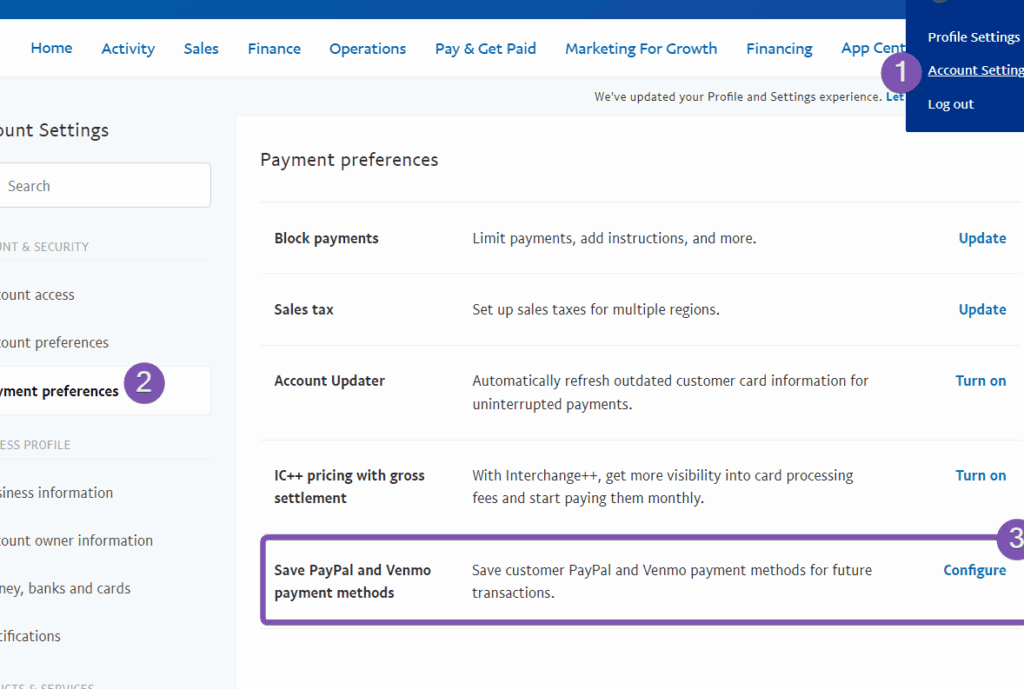
How to Utilize PayPal's Pay in 3 Installments Feature
PayPal's Pay in 3 feature offers a convenient way to spread the cost of your purchases over time. This interest-free payment option allows you to split your purchase into three equal payments, with the first installment taken at the time of purchase and the remaining two automatically billed to your PayPal account every month.
To utilize this feature, follow these steps:
1. Choose PayPal at Checkout: When shopping online with a retailer that offers PayPal as a payment method, select PayPal when you're ready to complete your purchase.
2. Select Pay in 3: If your purchase is eligible for Pay in 3, you'll see this option on the PayPal payment page. The eligibility depends on factors such as the purchase amount and your PayPal account history.
3. Review and Apply: Review the payment plan details, which will show you the amount and due dates of your three payments. If everything looks good, apply for Pay in 3.
4. Complete Your Purchase: Once approved, you can complete your purchase, and PayPal will take the first installment from your account immediately.
5. Automatic Payments: The next two payments will be automatically charged to your PayPal account on the agreed dates, so ensure you have sufficient funds available to avoid any missed payment fees.
Remember, while Pay in 3 is an interest-free option, it's important to manage your finances responsibly and ensure you can meet the payment deadlines to avoid any potential impact on your credit score or additional charges. Always check the terms and conditions provided by PayPal before proceeding with this payment option.
How can I set up a payment plan to pay in three installments using PayPal?
To set up a payment plan to pay in three installments using PayPal, you can use PayPal's "Pay in 4" feature if it's available in your region. Here's how:
1. Choose PayPal at checkout on a participating website.
2. Select Pay in 4 as your payment option.
3. Get an instant decision and complete your purchase.
Remember that eligibility for Pay in 4 is determined by PayPal at the time of transaction. Always review the terms provided by PayPal for any fees or interest that may apply.
What are the eligibility criteria for using PayPal's Pay in 3 feature?
The eligibility criteria for using PayPal's Pay in 3 feature include being at least 18 years old, a UK resident, and having a UK bank account and a UK mobile number. Additionally, approval is subject to credit checks and individual circumstances.
Are there any additional fees or interest charges when paying in three installments with PayPal?
When using PayPal's "Pay in 3" installment feature, there are no additional fees or interest charges as long as you make your payments on time. However, if a payment is missed, late fees may apply. Always review the terms and conditions for the most current information.

Go up
Deja una respuesta