

Seamless In-Store Payments: How to Use PayPal at Brick-and-Mortar Retailers

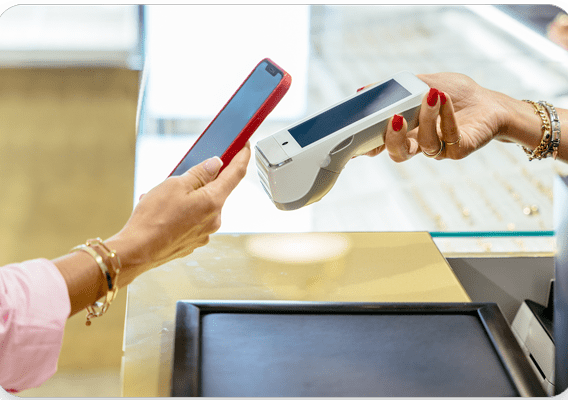
How to Use PayPal for In-Store Purchases
Using PayPal for in-store purchases is a convenient way to access your funds without the need for cash or credit cards. To pay with PayPal in a store, you'll typically need to use one of the following methods:
PayPal App and QR Codes
1. Download the PayPal app on your smartphone if you haven't already.
2. Log in to your PayPal account within the app.
3. Look for a section in the app that allows you to pay in-store. This feature might be labeled as 'Scan/Pay' or something similar.
4. When you're ready to check out at the store, open the PayPal app and select the in-store payment option.
5. The app will generate a unique QR code that the cashier can scan.
6. Show the QR code to the cashier, who will then scan it to process your payment.
NFC Payments with PayPal
If the store supports Near Field Communication (NFC) technology, you can use PayPal for contactless payments:
1. Ensure your phone has NFC capabilities and that NFC is enabled.
2. Set up PayPal as your default payment method in your phone's digital wallet (e.g., Google Pay or Samsung Pay).
3. At checkout, hold your phone near the NFC-enabled payment terminal until the transaction is complete.
PayPal Cards
PayPal also offers debit and credit cards that you can use in stores:
1. Apply for a PayPal Cash Card (debit) or a PayPal Credit Card through your PayPal account.
2. Once you receive and activate your card, you can use it like any other debit or credit card at stores that accept Mastercard.
PayPal Key
PayPal Key is a virtual card that generates a unique card number for online and in-store purchases:
1. Enroll in PayPal Key through your PayPal account.
2. Once you have your virtual card details, you can add them to your digital wallet or use them directly for in-store purchases where Mastercard is accepted.
Remember that availability of these features may vary depending on your location and the specific store's technology and policies. Always ensure that your PayPal account has sufficient funds or is linked to a bank account or credit card before attempting to make in-store purchases.
How can I use PayPal for in-store purchases using my smartphone?
To use PayPal for in-store purchases with your smartphone, you can either use PayPal QR codes if the retailer supports it or set up PayPal as a payment method in digital wallets like Google Pay or Samsung Pay where accepted. Open the PayPal app, select 'Pay with QR code', and scan the code at checkout. For digital wallets, add your PayPal account in the wallet app and select it at the contactless payment terminal.
What technology does PayPal employ to facilitate contactless payments in physical stores?
PayPal facilitates contactless payments in physical stores using NFC (Near Field Communication) technology, which allows for secure communication between a mobile device and a payment terminal. Additionally, PayPal integrates with various point-of-sale (POS) systems and supports QR code scanning, enabling users to make payments without physical contact by scanning a code displayed at the checkout.
Are there any specific apps or devices required to pay with PayPal at a retail location?
To pay with PayPal at a retail location, you may need to use the PayPal app on your smartphone, which can generate a QR code for the cashier to scan. Alternatively, some stores may accept payments through NFC-enabled devices if PayPal is linked to a digital wallet like Google Pay or Apple Pay. No specific devices are required; any smartphone compatible with these apps will suffice.

Troubleshooting Guide: How to Resolve the 'Klarna Not Letting Me Pay' Issue at Online Stores

Scan and Pay: A Step-by-Step Guide to Using Barcode Payments at Checkout

Seamless Shopping: How to Use Klarna for Payment on Zalando

Mastering QR Code Payments: A Step-by-Step Guide to Using Mercado Pago

Scan to Pay: The Ultimate Guide to Making Payments with Barcode Technology

Seamless Transactions: How to Effortlessly Pay with Crypto.com
Go up
Deja una respuesta