

Mastering QR Code Payments: A Step-by-Step Guide to Using Mercado Pago

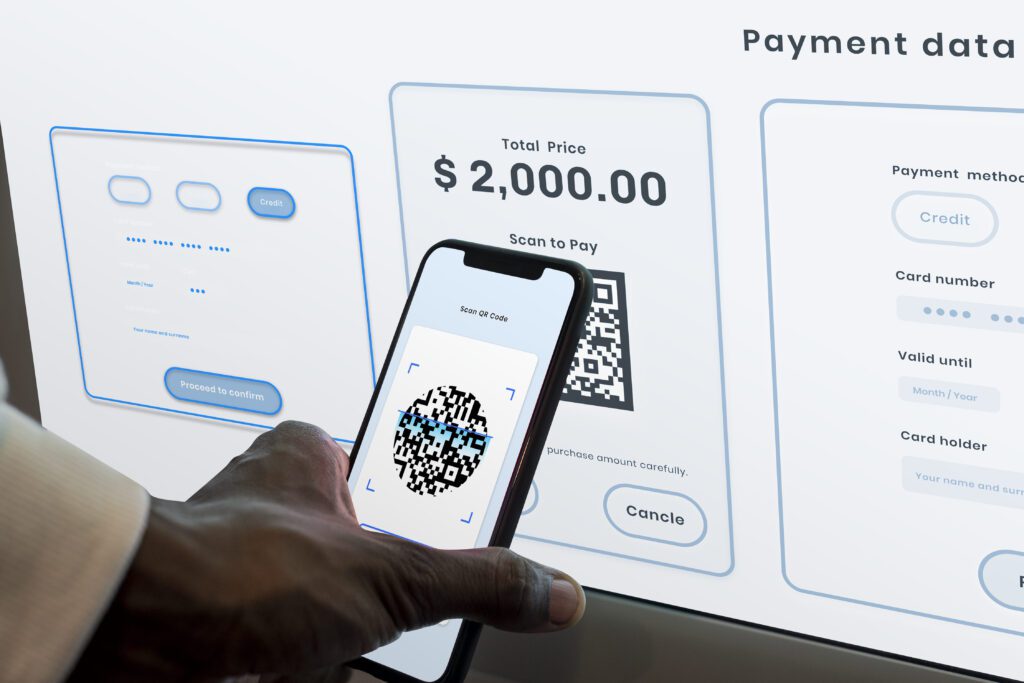
How to Set Up and Use QR Code Payments with Mercado Pago
QR code payments have become increasingly popular due to their convenience and contactless nature. Mercado Pago, a leading payment platform in Latin America, offers an easy way for businesses to accept payments through QR codes. Here's how you can set up and use QR code payments with Mercado Pago:
Step 1: Create a Mercado Pago Account
To get started, you need to have a Mercado Pago account. If you don't have one, sign up on the Mercado Pago website or through their app. You'll need to provide some basic information about your business and verify your identity.
Step 2: Access Your Mercado Pago Dashboard
Once your account is set up, log in to your Mercado Pago dashboard. This is where you'll manage all your transactions, view sales, and access the tools needed to generate QR codes.
Step 3: Generate Your QR Code
In your dashboard, look for the option to generate a QR code. Mercado Pago allows you to create QR codes that are linked to your account. You can customize these codes with specific amounts or let customers enter the amount they want to pay.
Step 4: Display Your QR Code
After generating your QR code, print it out or display it digitally where customers can easily scan it. This could be at the checkout counter, on a table stand, or even on digital screens.
Step 5: Customer Makes a Payment
When a customer is ready to pay, they simply open their Mercado Pago app or any other compatible app with QR code scanning capability, scan your QR code, and enter the amount if it wasn't pre-set. They then confirm the payment on their mobile device.
Step 6: Receive Confirmation
Once the payment is made, you'll receive instant confirmation in your Mercado Pago account. The funds are typically available in your account balance immediately, depending on your account settings and the type of transaction.
Step 7: Track Your Sales
Use the Mercado Pago dashboard to track all your sales and payments made through QR codes. This helps you keep an eye on your revenue and manage your finances effectively.
By following these steps, you can quickly set up and start using QR code payments with Mercado Pago, offering your customers a secure and modern way to pay that can enhance their shopping experience.
How do I set up QR code payments for my business using Mercado Pago?
To set up QR code payments for your business using Mercado Pago, follow these steps:
1. Create a Mercado Pago account if you don't already have one.
2. Access the Mercado Pago dashboard and navigate to the "Tools" section.
3. Select the "Generate QR" option to create a new QR code.
4. Customize your QR code settings, such as specifying a fixed amount or allowing customers to enter their own amount.
5. Once configured, download or print the QR code.
6. Display the QR code at your point of sale for customers to scan and pay.
Ensure you have the Mercado Pago app to track payments in real-time.
What are the transaction fees associated with accepting payments through QR codes on Mercado Pago?
Transaction fees for accepting payments through QR codes on Mercado Pago can vary based on the country and specific terms of service. Generally, there is a merchant fee that ranges from 0% to around 6%, depending on whether the user is an individual or a business, and the volume of transactions processed. It's important to review the latest fee structure on the Mercado Pago website or contact their support for the most accurate information.
Can customers use any QR code scanner app to make payments via Mercado Pago, or is a specific app required?
Customers must use the Mercado Pago app to make payments via QR code. While any QR scanner can technically scan the code, payment processing requires the Mercado Pago system, which is integrated into their proprietary app.

Troubleshooting Guide: How to Resolve the 'Klarna Not Letting Me Pay' Issue at Online Stores

Scan and Pay: A Step-by-Step Guide to Using Barcode Payments at Checkout

Seamless Shopping: How to Use Klarna for Payment on Zalando

Scan to Pay: The Ultimate Guide to Making Payments with Barcode Technology

Seamless Transactions: How to Effortlessly Pay with Crypto.com

Mastering Cash Transactions with Mercado Pago: A Step-by-Step Guide
Go up
Deja una respuesta