

Seamless Transactions: How to Effortlessly Pay with Crypto.com

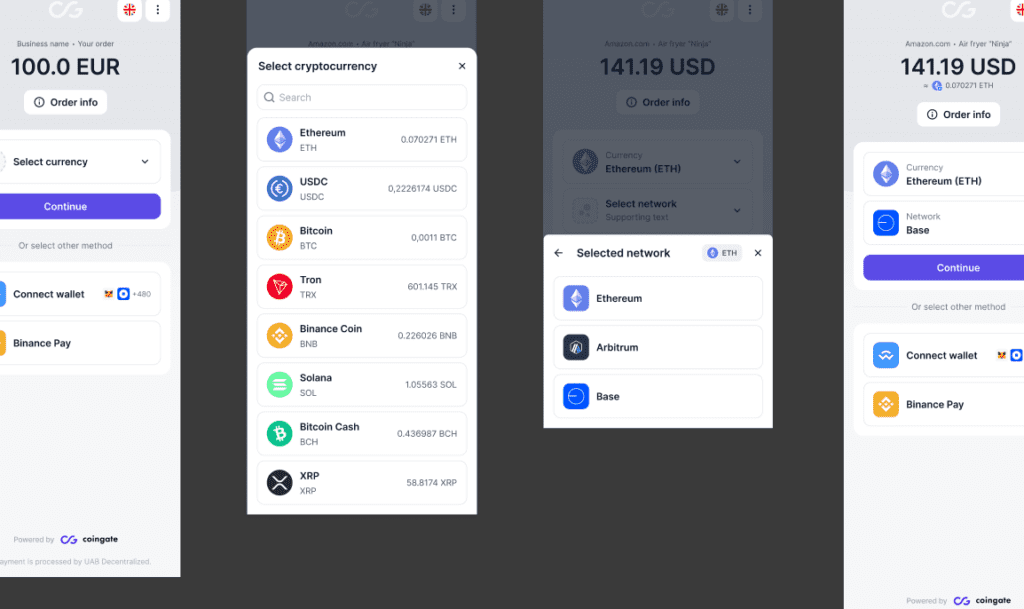
How to Make Payments with Crypto.com: A User's Guide
Making payments with Crypto.com is a straightforward process that allows users to utilize their cryptocurrency holdings for everyday transactions. Here's a step-by-step guide on how to use this platform for making payments:
Step 1: Set Up Your Crypto.com Account
Before you can make any payments, you need to have an active account with Crypto.com. Download the app from the App Store or Google Play, and follow the instructions to sign up. You'll need to provide some personal information and go through a verification process to ensure the security of your account.
Step 2: Fund Your Wallet
Once your account is set up, you'll need to add cryptocurrencies to your Crypto.com wallet. You can do this by purchasing crypto directly on the platform using a credit/debit card or bank transfer, or by transferring crypto from another wallet into your Crypto.com account.
Step 3: Access the Crypto.com Pay Feature
Navigate to the Crypto.com Pay section within the app. This feature is designed to facilitate crypto payments to merchants who accept cryptocurrency as a form of payment.
Step 4: Choose Your Payment Method
Select the cryptocurrency you wish to use for the payment. Crypto.com supports a variety of cryptocurrencies, so ensure that the merchant accepts the specific type you intend to use.
Step 5: Make a Payment
To pay a merchant, you'll typically need to scan a QR code provided by them at the point of sale or online checkout. Open the Crypto.com app, select 'Pay', and then scan the QR code. Confirm the amount and the recipient's details before proceeding.
Step 6: Confirm and Complete the Transaction
After scanning the QR code and verifying the payment details, you'll be prompted to confirm the transaction. Once you approve it, the payment will be processed. The funds will be transferred from your wallet to the merchant's account almost instantaneously, thanks to the blockchain technology that underpins cryptocurrency transactions.
Step 7: Keep Track of Your Payments
It's important to monitor your transactions. Crypto.com provides a history of all your payments within the app, allowing you to keep track of your spending and maintain records for future reference.
By following these steps, you can easily make payments with Crypto.com, enjoying the benefits of fast, secure, and convenient transactions powered by cryptocurrency. Remember that while crypto payments are becoming more widely accepted, it's always best to check with each individual merchant to ensure they accept the specific cryptocurrency you plan to use.
How do you set up a Crypto.com account for making cryptocurrency payments?
To set up a Crypto.com account for making cryptocurrency payments, follow these steps:
1. Download the Crypto.com app from the App Store or Google Play.
2. Open the app and select 'Sign Up' to create a new account.
3. Enter your email address and choose a password.
4. Verify your email address by clicking on the link sent to your inbox.
5. Complete the KYC (Know Your Customer) process by providing personal information and uploading required identification documents.
6. Once verified, add a payment method such as a bank account or credit card to fund your account.
7. You can now buy, sell, and pay with cryptocurrencies using your Crypto.com account.
What are the security measures in place when paying with Crypto.com?
Crypto.com employs several security measures to protect users' funds and data, including two-factor authentication (2FA), a multi-tiered wallet strategy with both hot and cold wallets, and regular security audits. Additionally, they have a dedicated security team and offer insurance to cover potential losses from security breaches.
Can you integrate Crypto.com payment services with online e-commerce platforms?
Yes, you can integrate Crypto.com payment services with online e-commerce platforms. Crypto.com offers a solution called Crypto.com Pay which allows merchants to accept cryptocurrencies as payment. This service can be integrated with various e-commerce platforms through plugins or APIs, providing customers with the option to pay using digital currencies like Bitcoin, Ethereum, and others supported by Crypto.com.

Troubleshooting Guide: How to Resolve the 'Klarna Not Letting Me Pay' Issue at Online Stores

Scan and Pay: A Step-by-Step Guide to Using Barcode Payments at Checkout

Seamless Shopping: How to Use Klarna for Payment on Zalando

Mastering QR Code Payments: A Step-by-Step Guide to Using Mercado Pago

Scan to Pay: The Ultimate Guide to Making Payments with Barcode Technology

Mastering Cash Transactions with Mercado Pago: A Step-by-Step Guide
Go up
Deja una respuesta