

How to Pay in Dollars with a Debit Card: A Step-by-Step Guide

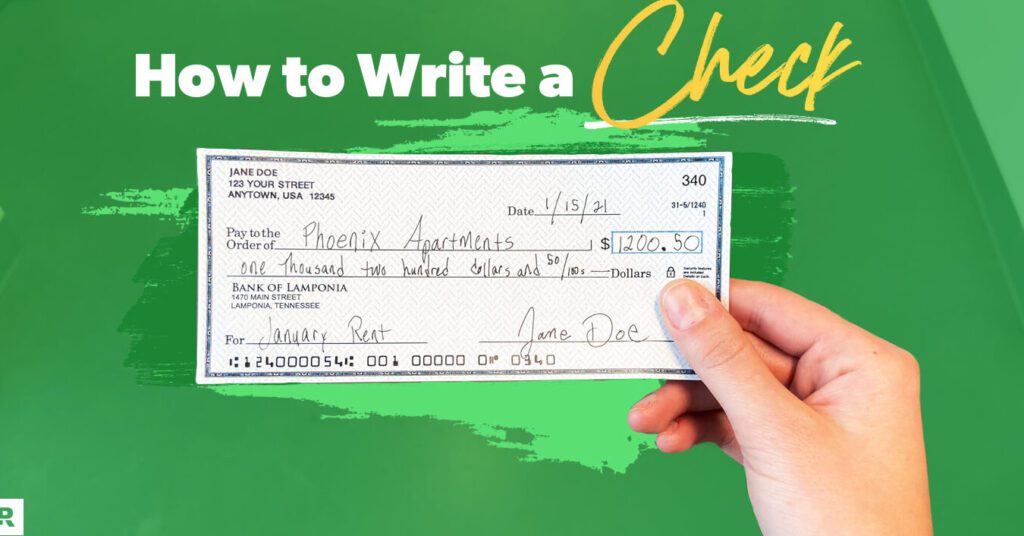
How to Make Payments in Dollars with Your Debit Card
When you want to make payments in dollars with your debit card, especially if you're dealing with international transactions or online purchases from a different country, there are several steps and considerations to keep in mind.
Firstly, ensure that your debit card is enabled for international transactions. Some banks require you to notify them before you can use your card abroad or on foreign websites. You can usually do this through your bank's mobile app, website, or by calling their customer service.
Next, be aware of the exchange rate that will be applied to your transaction. Banks and card issuers often set their own exchange rates, which may not always align with the market rate. Additionally, they might charge a currency conversion fee. It's important to check these details beforehand to avoid any surprises on your statement.
If you're shopping online, select USD as your payment currency if it's an option. This way, the merchant will process the transaction in dollars, and your bank will handle the currency conversion.
For physical stores or ATMs abroad, simply use your card as you would at home. The payment terminal or ATM should automatically detect that your account is in a different currency and convert the amount accordingly.
Keep an eye out for Dynamic Currency Conversion (DCC) offers. Sometimes, when you're making a purchase or withdrawing cash, you'll be asked if you want to be charged in your home currency instead of USD. While it might seem convenient, DCC often comes with poor exchange rates and additional fees. It's usually better to opt for the local currency (in this case, USD) and let your bank handle the conversion.
Finally, always monitor your bank statements after making transactions in dollars. Check for any unexpected fees or discrepancies. If you notice anything unusual, contact your bank immediately to resolve the issue.
By following these steps, you can make payments in dollars with your debit card smoothly and avoid potential pitfalls associated with currency conversion and international transactions.
How can I use my debit card to make payments in dollars when shopping online?
To use your debit card to make payments in dollars when shopping online, follow these steps:
1. Ensure your debit card is authorized for international transactions if you're shopping from a different country.
2. Select 'Credit/Debit Card' as your payment method at checkout.
3. Enter your card details, including the 16-digit card number, expiration date, and CVV code.
4. Confirm the payment is in USD if the website offers multiple currency options.
5. Complete any additional security verification required by your bank, such as a one-time password (OTP).
6. Review and confirm your purchase.
Always check that the website is secure and reputable before entering your card information.
What are the technological requirements for a debit card to be compatible with international transactions in USD?
For a debit card to be compatible with international transactions in USD, it must have the following technological requirements:
- EMV Chip Technology: For enhanced security and global acceptance.
- Network Compatibility: Must be part of major card networks like Visa, MasterCard, or American Express.
- Magnetic Stripe: Although increasingly phased out, still necessary for regions where chip technology isn't prevalent.
- Currency Conversion Capability: The ability to perform real-time currency exchange into USD.
- International Banking Regulations Compliance: Adherence to cross-border anti-money laundering and fraud prevention standards.
Can mobile payment apps or digital wallets convert my local currency to dollars for debit card payments?
Yes, many mobile payment apps and digital wallets can convert your local currency to dollars for debit card payments. They typically use real-time or near-real-time exchange rates for the conversion. However, it's important to check if this feature is supported by your specific app and be aware of any potential fees associated with currency conversion.

Troubleshooting Guide: How to Resolve the 'Klarna Not Letting Me Pay' Issue at Online Stores

Scan and Pay: A Step-by-Step Guide to Using Barcode Payments at Checkout

Seamless Shopping: How to Use Klarna for Payment on Zalando

Mastering QR Code Payments: A Step-by-Step Guide to Using Mercado Pago

Scan to Pay: The Ultimate Guide to Making Payments with Barcode Technology

Seamless Transactions: How to Effortlessly Pay with Crypto.com
Go up
Deja una respuesta