

Mastering Payments: How to Subscribe to TradingView with Cryptocurrencies

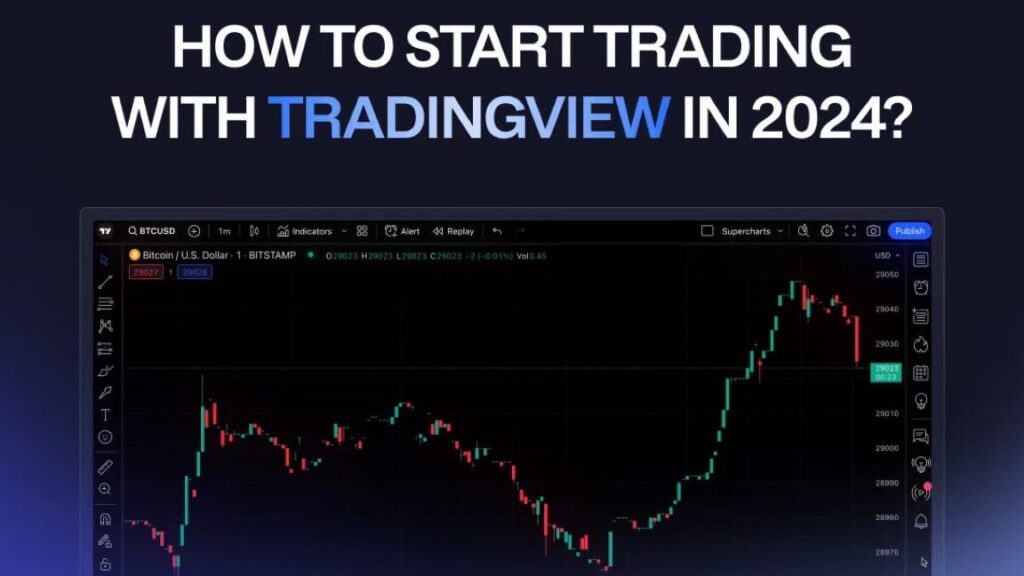
How to Pay for TradingView with Cryptocurrency: A Step-by-Step Guide
TradingView is a popular platform for traders and investors looking to chart and analyze financial markets. While traditional payment methods like credit cards are commonly used, paying with cryptocurrency has become an increasingly popular option. Here's a step-by-step guide on how to pay for TradingView with cryptocurrency.
Step 1: Choose Your Subscription Plan
Before you can pay, you need to decide which TradingView subscription plan suits your needs. TradingView offers several tiers, including Pro, Pro+, and Premium, each with different features and pricing.
Step 2: Create a TradingView Account
If you don't already have one, you'll need to create a TradingView account. Go to the TradingView website and sign up by providing the necessary details such as your email address and a password.
Step 3: Access the Payment Page
Once logged in, navigate to the 'Profile' icon at the top right corner of the page, click on it, and select 'Account & Billing'. Here, you will find the option to upgrade your account. Click on the 'Choose Plan' button under the subscription tier you wish to purchase.
Step 4: Select Cryptocurrency as Your Payment Method
On the payment page, look for the payment method options. You should see cryptocurrency listed alongside other payment methods like PayPal or credit card. Select cryptocurrency to proceed.
Step 5: Complete the Payment with Cryptocurrency
After selecting cryptocurrency as your payment method, you will be redirected to a third-party payment processor that supports cryptocurrency transactions, such as BitPay or CoinPayments.
You will be presented with a QR code and a wallet address. You can use these to send the required amount of cryptocurrency from your digital wallet. Make sure to choose the correct type of cryptocurrency that is accepted by the payment processor (e.g., Bitcoin, Ethereum).
Step 6: Confirm the Transaction
Once you've sent the payment from your wallet, you'll need to wait for the network confirmation. This can take anywhere from a few minutes to an hour, depending on the cryptocurrency used and its current network congestion.
Step 7: Check Your TradingView Subscription Status
After the payment is confirmed, your TradingView account should be updated to reflect your new subscription status. You can verify this by going back to the 'Account & Billing' section of your profile.
It's important to note that while paying for services with cryptocurrency offers benefits like increased privacy and sometimes lower fees, it also comes with risks such as price volatility and irreversible transactions. Always double-check the wallet address and the amount before sending your payment.
Can I pay for a TradingView subscription using cryptocurrencies?
As of my last update in April 2023, TradingView does not directly accept cryptocurrencies as a payment method for subscriptions. You would typically need to use traditional payment methods such as credit cards or PayPal. However, it's always a good idea to check the latest information on their website or contact customer support for the most current payment options.
What cryptocurrencies are accepted as payment methods on TradingView?
As of my last update, TradingView does not directly accept cryptocurrencies as payment methods for subscriptions. Users typically need to use traditional payment methods such as credit cards or PayPal. However, for the most accurate and current information, please check TradingView's official website or contact their customer support.
How do I process a cryptocurrency payment for my TradingView subscription?
To process a cryptocurrency payment for your TradingView subscription, you'll need to select a payment option that supports cryptocurrencies when checking out. If TradingView directly accepts cryptocurrency, choose it as your payment method and follow the instructions provided to send the payment from your crypto wallet. If TradingView does not accept crypto payments directly, you may need to use a third-party service that converts your cryptocurrency to fiat currency and then pay for the subscription. Always ensure that you are using a reputable payment gateway and that all transactions are secure.

Troubleshooting Guide: How to Resolve the 'Klarna Not Letting Me Pay' Issue at Online Stores

Scan and Pay: A Step-by-Step Guide to Using Barcode Payments at Checkout

Seamless Shopping: How to Use Klarna for Payment on Zalando

Mastering QR Code Payments: A Step-by-Step Guide to Using Mercado Pago

Scan to Pay: The Ultimate Guide to Making Payments with Barcode Technology

Seamless Transactions: How to Effortlessly Pay with Crypto.com
Go up
Deja una respuesta