

DIY Smart Home Upgrade: Transforming Your Old Fan into a Smart Fan with Simple Steps

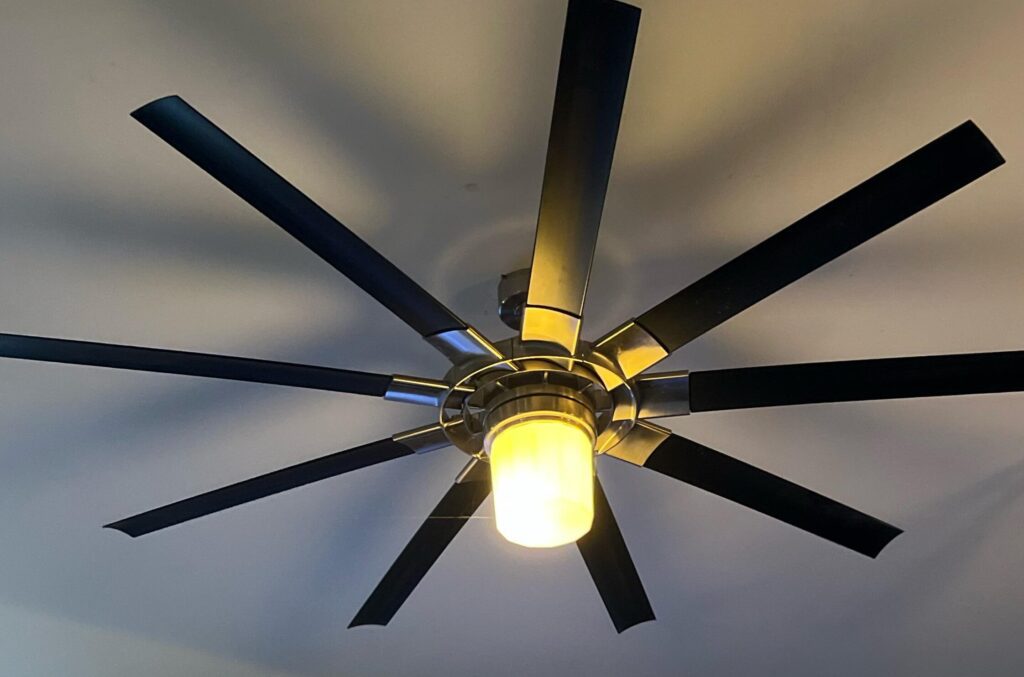
Upgrading Your Old Fan: Making It Smart with Simple Steps
Transforming an old fan into a smart fan can be a rewarding DIY project that not only breathes new life into your appliance but also adds convenience and efficiency to your home. Here's how you can upgrade your traditional fan with some simple steps:
1. Choose a Smart Plug: The first step is to select a smart plug that is compatible with your home's Wi-Fi network and can be controlled via a smartphone app or voice commands through smart assistants like Amazon Alexa or Google Assistant.
2. Install the Smart Plug: Plug your smart plug into an electrical outlet and then plug your fan into the smart plug. Follow the manufacturer's instructions to connect the smart plug to your Wi-Fi network.
3. Set Up the App: Download the corresponding app for your smart plug onto your smartphone or tablet. Create an account if necessary, and pair the smart plug with the app following the provided instructions.
4. Voice Assistant Integration: If you want to control your fan with voice commands, link your smart plug app with your preferred smart assistant. This usually involves adding a skill for the smart plug in the assistant's app and authenticating your account.
5. Automation and Scheduling: Use the app to set up schedules and automations. For example, you can program your fan to turn on before you arrive home or turn off automatically at bedtime.
6. Remote Control: With the smart plug and app installed, you can now control your fan remotely. Whether you're in a different room or away from home, you can turn the fan on or off, adjust speeds (if your fan has this feature and it's supported by the smart plug), and set timers.
7. Consider Additional Features: Some smart plugs come with features such as energy monitoring, which can help you keep track of how much power your fan is using. This can be particularly useful if you're trying to reduce your electricity consumption.
By following these steps, you've successfully upgraded your old fan into a smart device that offers both convenience and potential energy savings. Remember to check compatibility between your fan, smart plug, and any other smart home devices or systems you intend to integrate for a seamless smart home experience.
What are the essential components needed to convert an old fan into a smart fan?
To convert an old fan into a smart fan, you'll need a smart plug or a smart switch that can connect to your home Wi-Fi network. Additionally, you may require a compatible app on your smartphone for control and potentially a home automation hub if you plan to integrate the fan with other smart devices or systems.
Can I integrate voice control with my converted smart fan, and if so, how?
Yes, you can integrate voice control with your converted smart fan by using a smart home hub like Amazon Echo or Google Home. Connect the hub to your smart fan via Wi-Fi using the manufacturer's app, and then set up voice commands through the hub's corresponding app (Alexa or Google Assistant). Ensure your smart fan is compatible with the chosen hub for seamless integration.
What are the steps involved in connecting a retrofitted smart fan to a home automation system?
To connect a retrofitted smart fan to a home automation system, follow these steps:
1. Ensure Compatibility: Verify that both the smart fan and the home automation system are compatible with each other.
2. Install the Fan: If not already installed, follow the manufacturer's instructions to install the smart fan hardware.
3. Connect to Power: Ensure the fan is properly connected to your home's electrical system.
4. Install Smart Controller: Attach any necessary smart controllers or modules that enable smart functionality.
5. Connect to Network: Configure the fan to connect to your home Wi-Fi network, often through a companion app.
6. Integrate with Home Automation System: Use your home automation system's app or interface to detect and add the smart fan as a new device.
7. Configure Settings: Set up preferences such as schedules, voice commands, and automation rules within your home automation system.
8. Test the Setup: Confirm that the fan operates correctly via the home automation system's controls.

5 Steps to Detect a Virus on Your PC Without Antivirus Software

Top 10 Cutting-Edge Alternatives to IPTV Smarters Pro in 2026: Streamlining Your Viewing Experience

Projecting the Future: What to Expect from the VA Disability Pay Scale in 2026

Stream Like a Pro: The Ultimate Guide to Watching IPTV Playlists with VLC Media Player on Your PC

Securing Your Inbox: A Step-by-Step Guide to Detecting Email Leaks on the Dark Web

Effortless Editing: Mastering One-Click AI Background Removal from Images
Go up
Deja una respuesta