

Unlocking Entertainment: How to Set Up IPTV on Your Apple TV

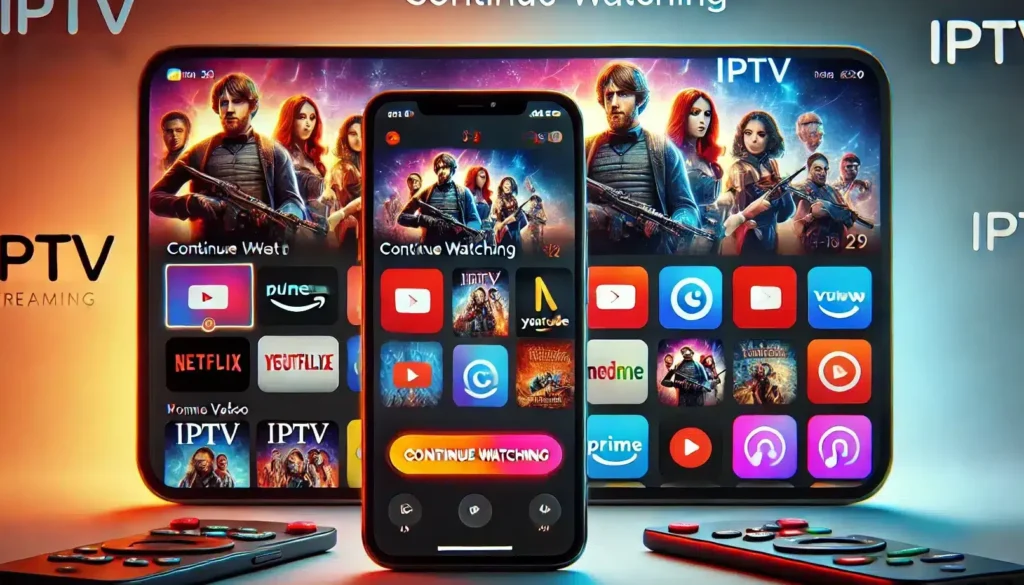
How to Set Up IPTV on Your Apple TV for Endless Streaming Options
Setting up IPTV (Internet Protocol Television) on your Apple TV can unlock a vast world of streaming content from around the globe. IPTV allows you to stream live television channels and on-demand video content through an internet connection, bypassing traditional cable or satellite services. Here's how to get started:
1. Choose an IPTV Service: First, you'll need to select an IPTV service provider. There are many options available, each offering different channel packages and pricing structures. Research and choose one that fits your viewing preferences and budget.
2. Obtain Your Subscription Details: After subscribing to an IPTV service, you should receive a set of credentials, which typically include a URL for the IPTV server, as well as a username and password.
3. Install an IPTV App on Apple TV: The Apple TV App Store doesn't directly offer IPTV apps, but you can use third-party applications like GSE Smart IPTV, iPlayTV, or rIPTV. Download and install your chosen app from the App Store.
4. Configure the IPTV App with Your Subscription: Open the IPTV app and enter the subscription details provided by your IPTV service. This usually involves adding a new playlist and entering the server URL, username, and password.
5. Customize Your Streaming Experience: Many IPTV apps allow you to customize the interface, organize channels, and set up an EPG (Electronic Program Guide) for easier navigation.
6. Start Streaming: Once everything is set up, you can start browsing through the available channels and select one to start streaming. With IPTV on your Apple TV, you'll have access to a diverse range of content, including international channels and niche programming.
Remember that the quality and reliability of IPTV can vary greatly between providers. It's important to ensure that you're using a legitimate service to avoid potential legal issues and to ensure a high-quality streaming experience.
How do I set up IPTV on my Apple TV?
To set up IPTV on your Apple TV, follow these steps:
1. Download an IPTV app from the App Store (such as GSE Smart IPTV or IPTV Smarters).
2. Open the IPTV app and go to the 'Settings' or 'Add Playlist'.
3. Enter the IPTV subscription details provided by your IPTV service provider. This usually includes a URL, username, and password.
4. Load the playlist or enter the EPG (Electronic Program Guide) URL if necessary.
5. Save the settings and refresh the playlist.
6. You should now be able to browse and watch IPTV channels on your Apple TV.
What are the best IPTV apps available for Apple TV?
Some of the best IPTV apps available for Apple TV include iPlayTV, GSE Smart IPTV, and rIPTV. These apps are known for their user-friendly interfaces, reliability, and wide range of features, such as EPG support and playlist management.
Can I use my existing IPTV subscription with an Apple TV, and if so, how?
Yes, you can use your existing IPTV subscription with an Apple TV. To do so, you'll need to download an IPTV app from the App Store that is compatible with your subscription, such as GSE Smart IPTV or iPlayTV. Once installed, enter your subscription details into the app to start streaming your IPTV content on your Apple TV.

Securing Your Online Presence: A Step-by-Step Guide to Properly Setting Up Two-Factor Authentication (2FA)

5 Steps to Detect a Virus on Your PC Without Antivirus Software

Top 10 Cutting-Edge Alternatives to IPTV Smarters Pro in 2026: Streamlining Your Viewing Experience

Projecting the Future: What to Expect from the VA Disability Pay Scale in 2026

Stream Like a Pro: The Ultimate Guide to Watching IPTV Playlists with VLC Media Player on Your PC

Securing Your Inbox: A Step-by-Step Guide to Detecting Email Leaks on the Dark Web
Go up
Deja una respuesta